Native Apple app · Made for Jellyfin
Switch on
instead of choosing.
You sat down, you pressed the button, and a show you loved was already playing. 90sTV brings that back. Your carefully curated library, turned into channels that never stop.

For Apple TV · Mac · iPad · iPhone
Apple TV · Mac · iPad
The hardest decision of the evening? Which end of the couch.
It used to be so easy. You turned the TV on, and whatever was playing was good enough.
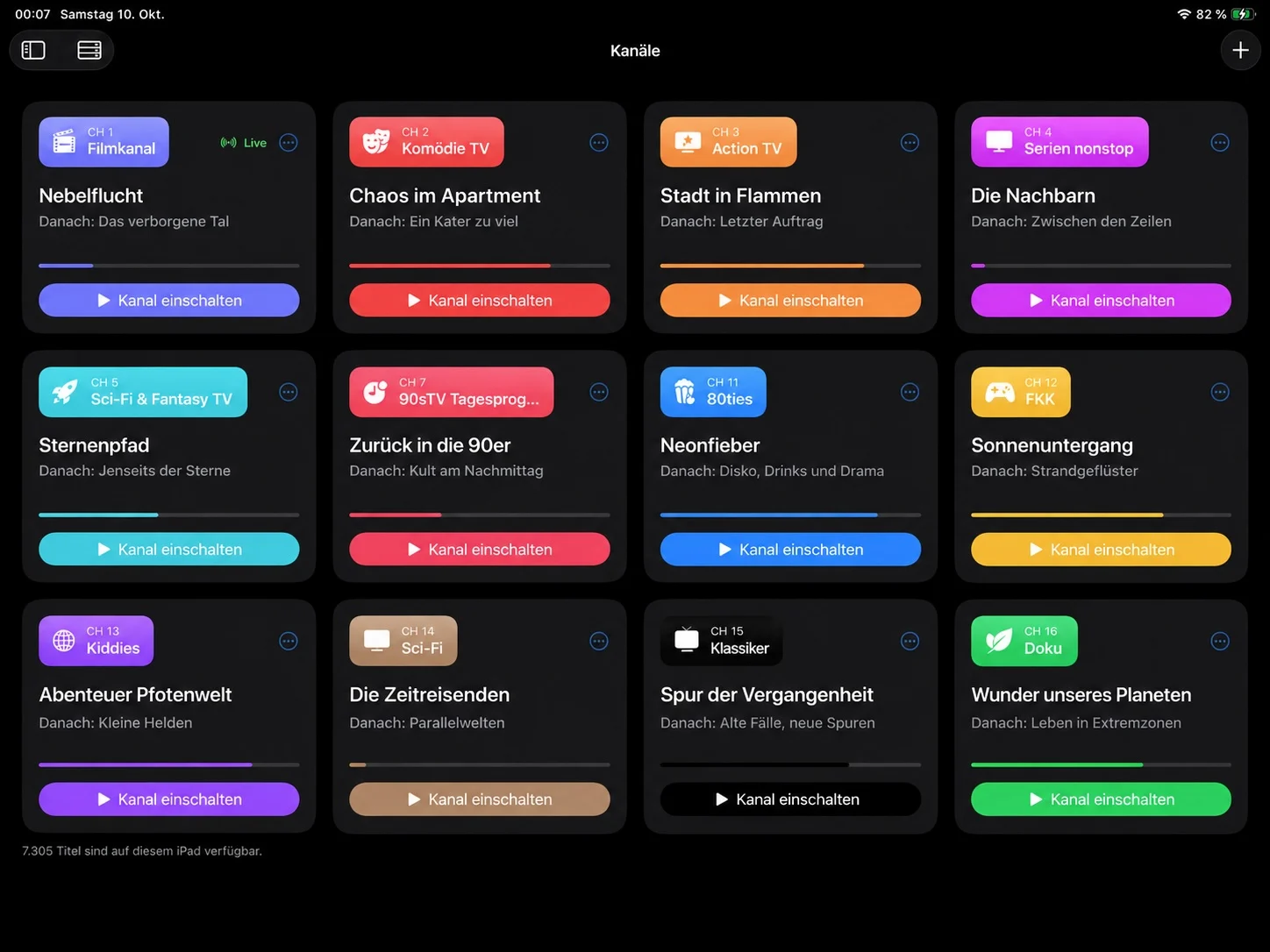
Channels
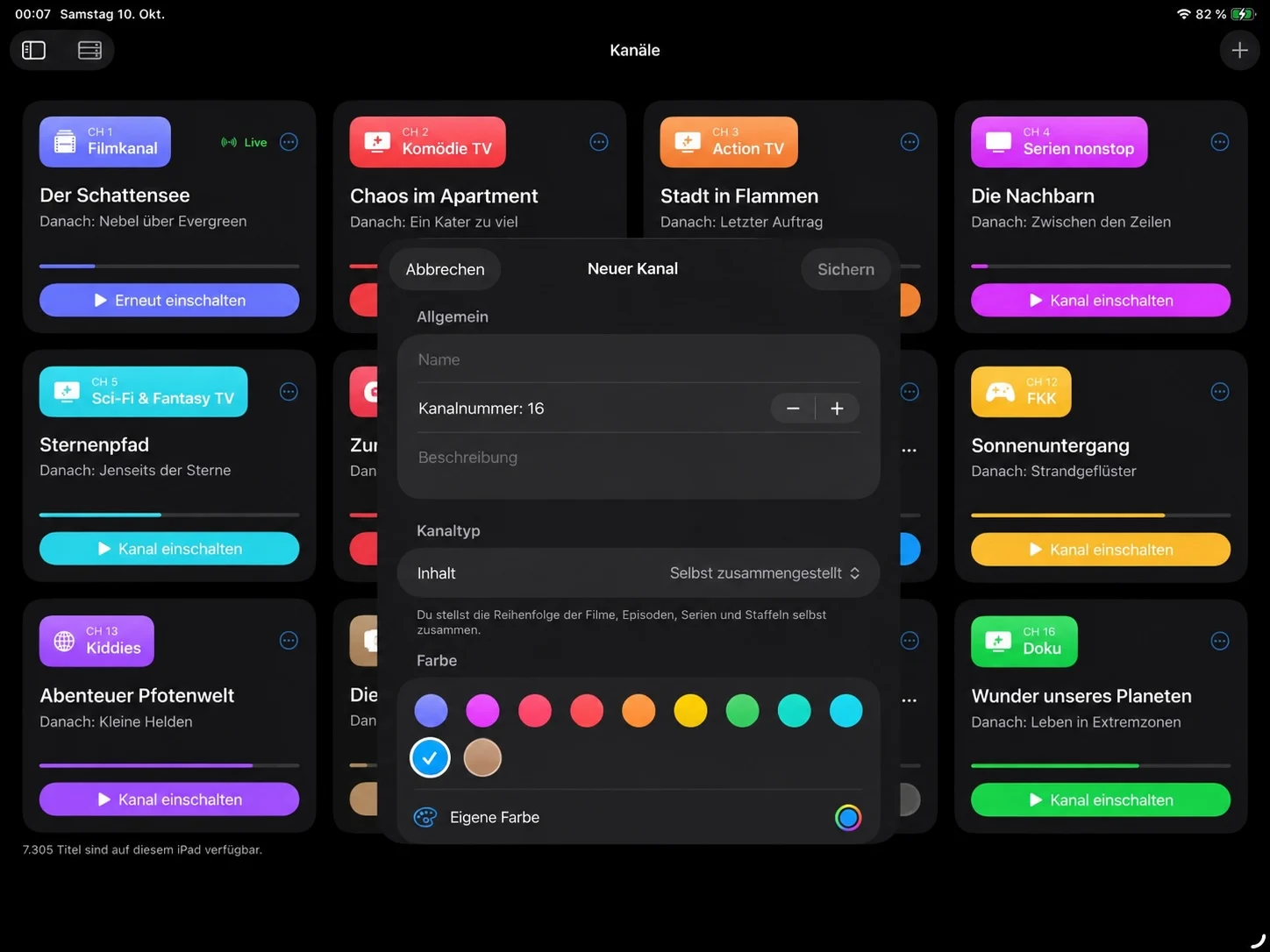
Your own stations running all day
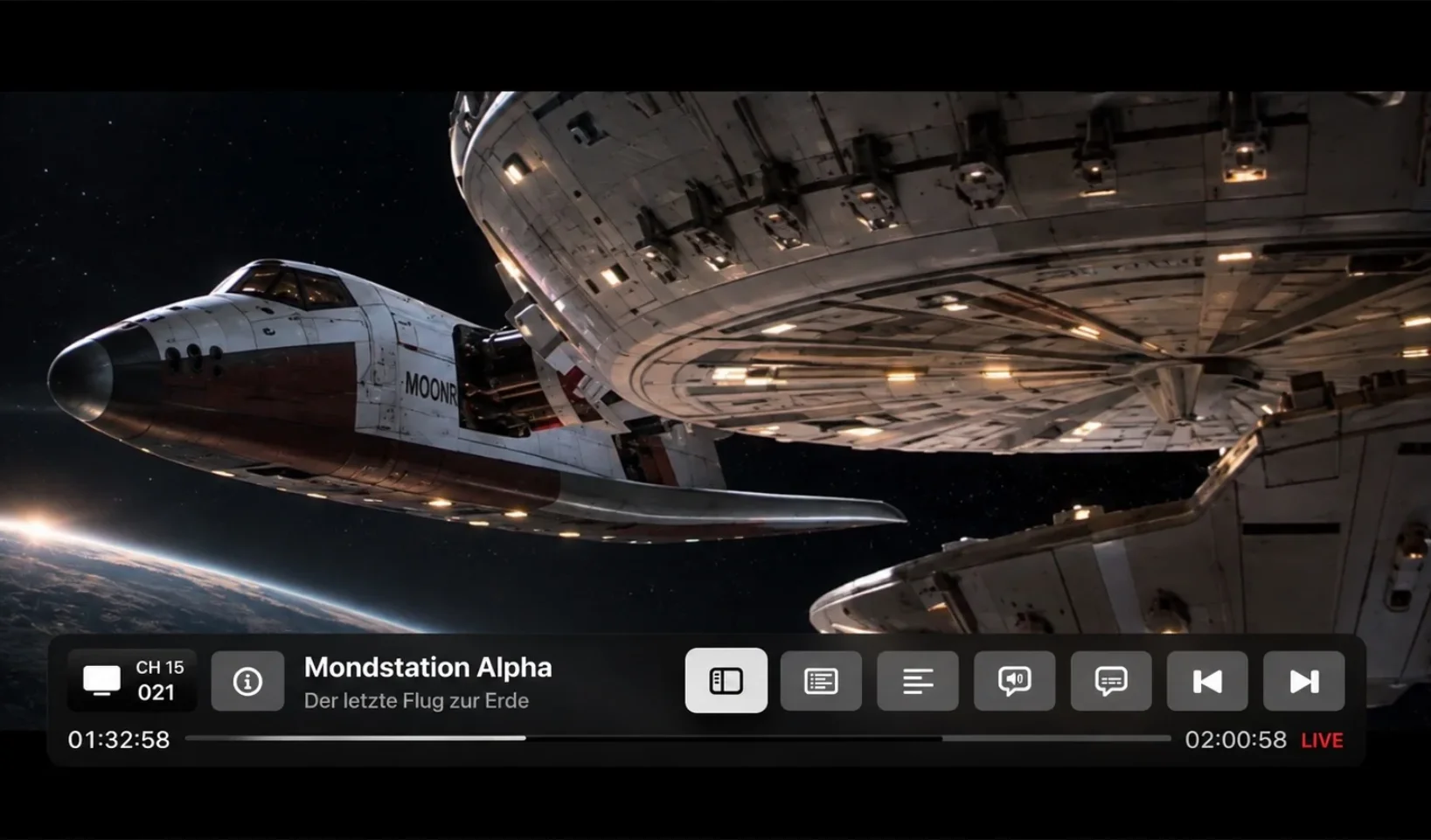
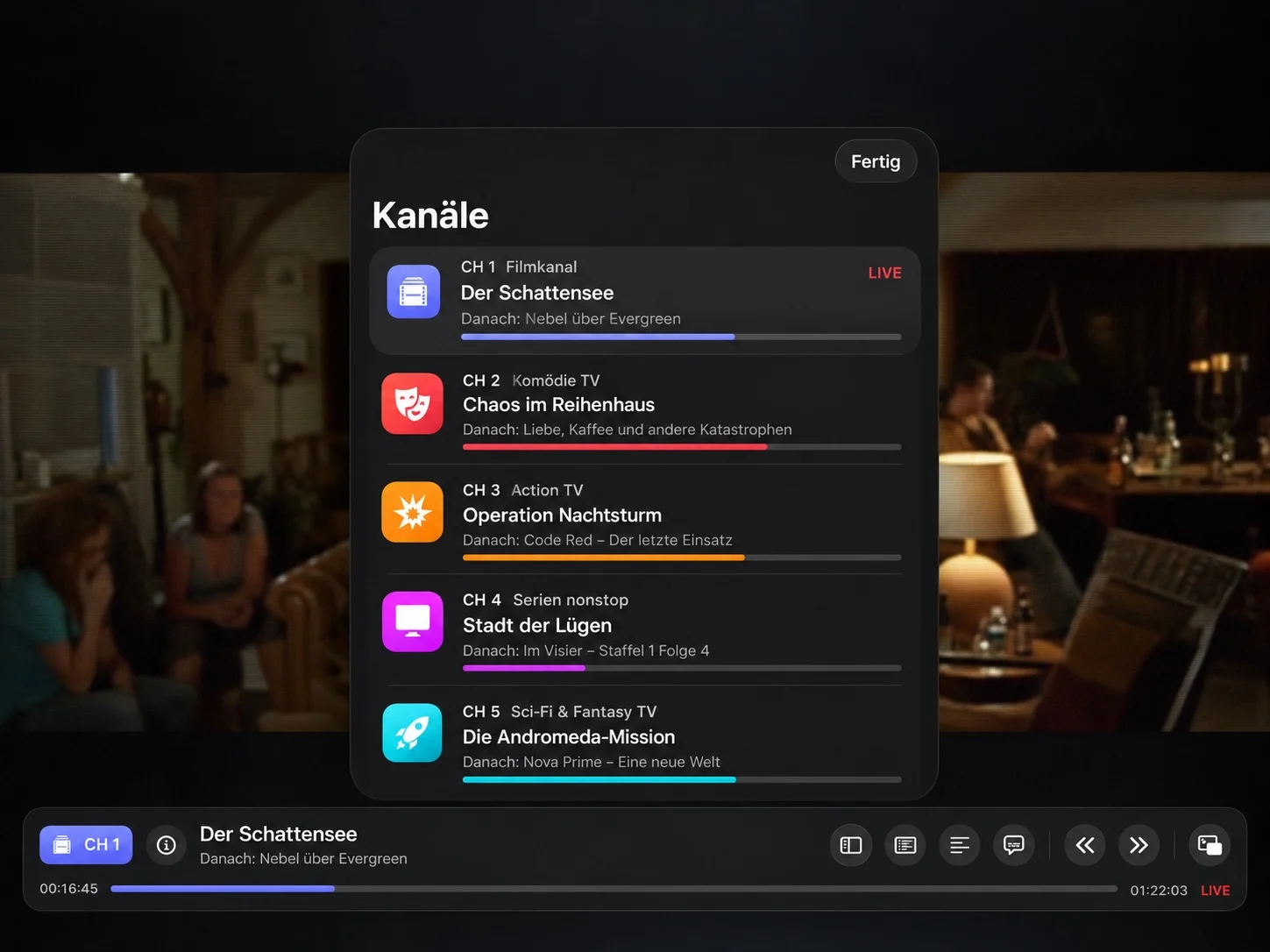
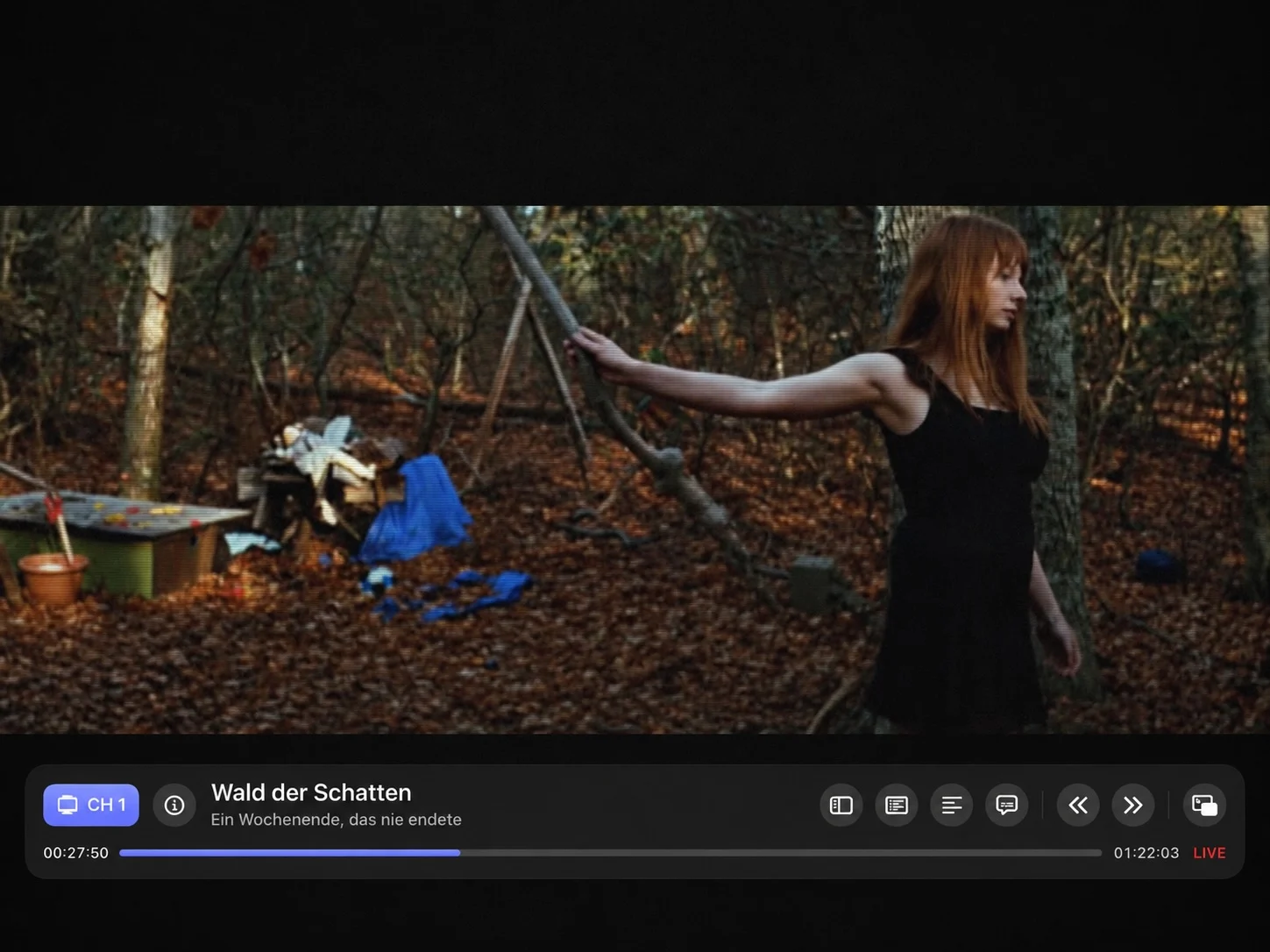
Cartoons in the morning and crime after dark. Nothing but your favorite series on channel 5. Set a rule once, and 90sTV builds a channel that keeps going, without you lifting a finger ever again.
TV guide
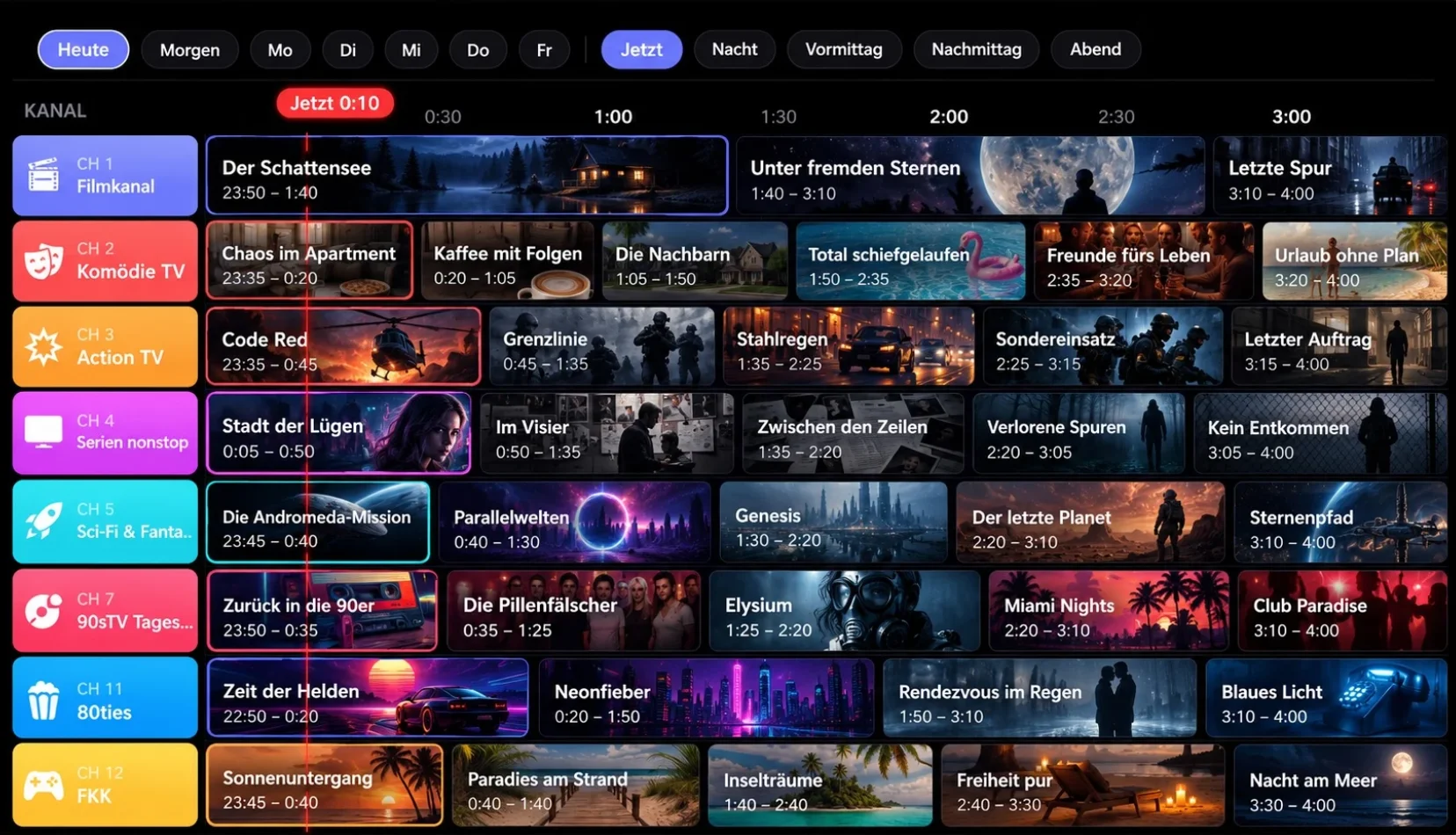
What’s on tonight?
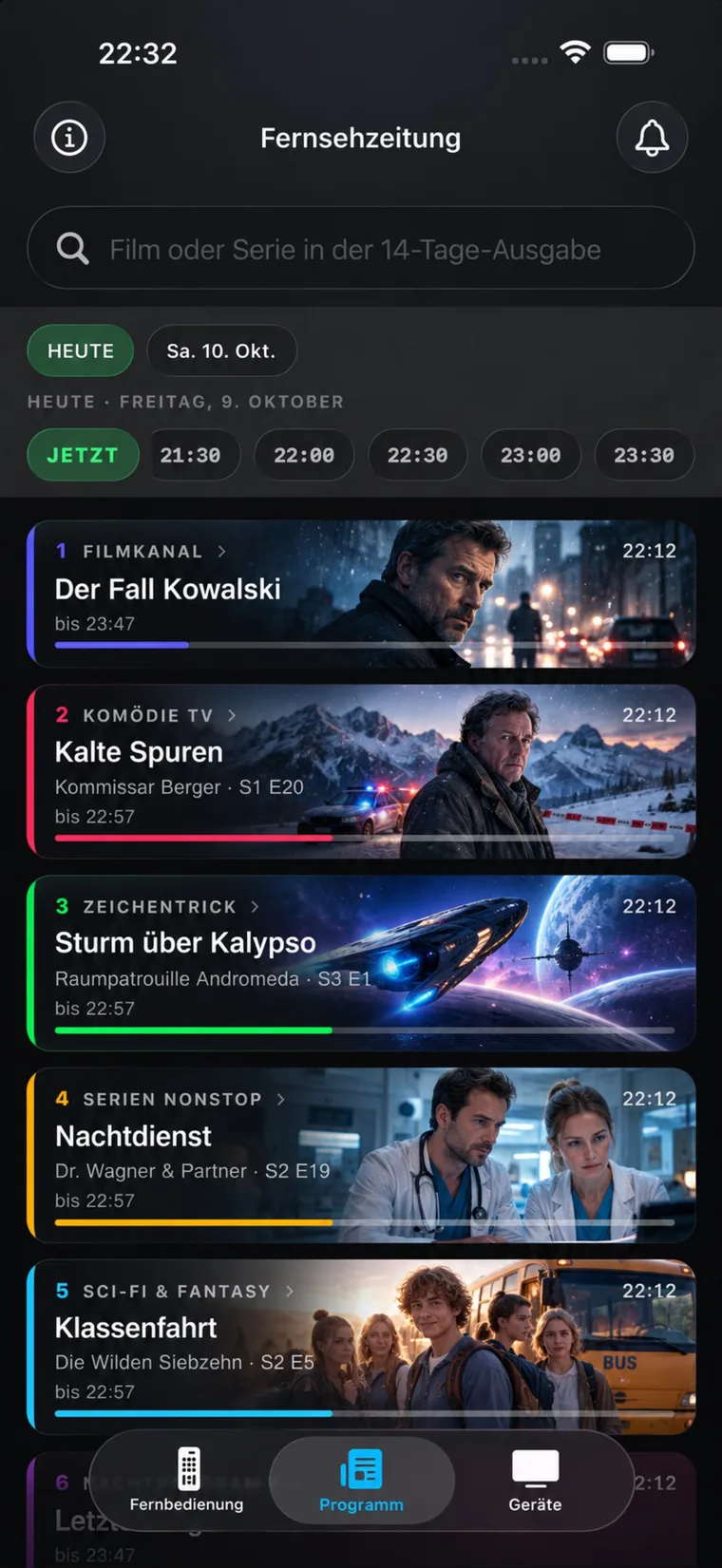
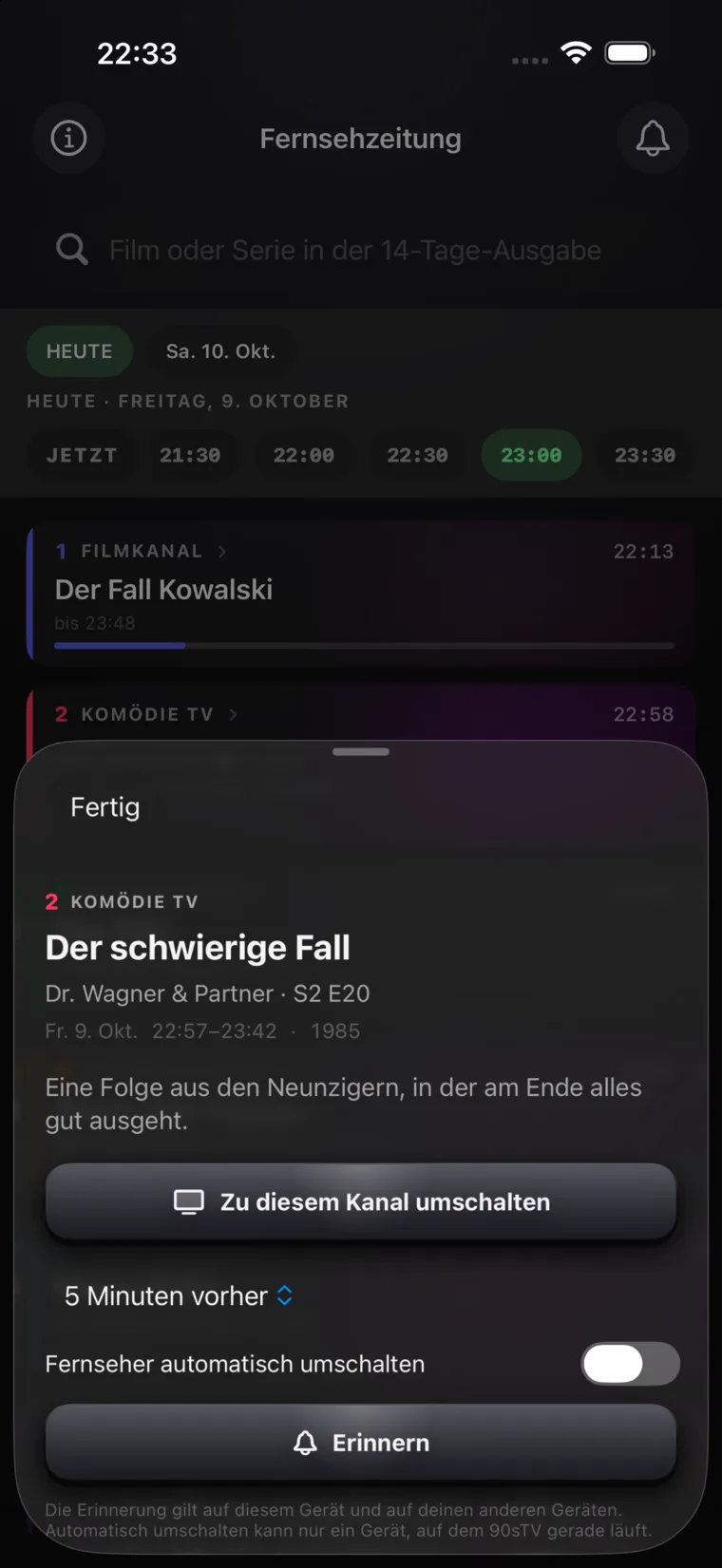
Every channel, hour by hour, like the guide that lived on the coffee table. Pick a show and set a reminder. Your Apple TV switches on when it’s time.
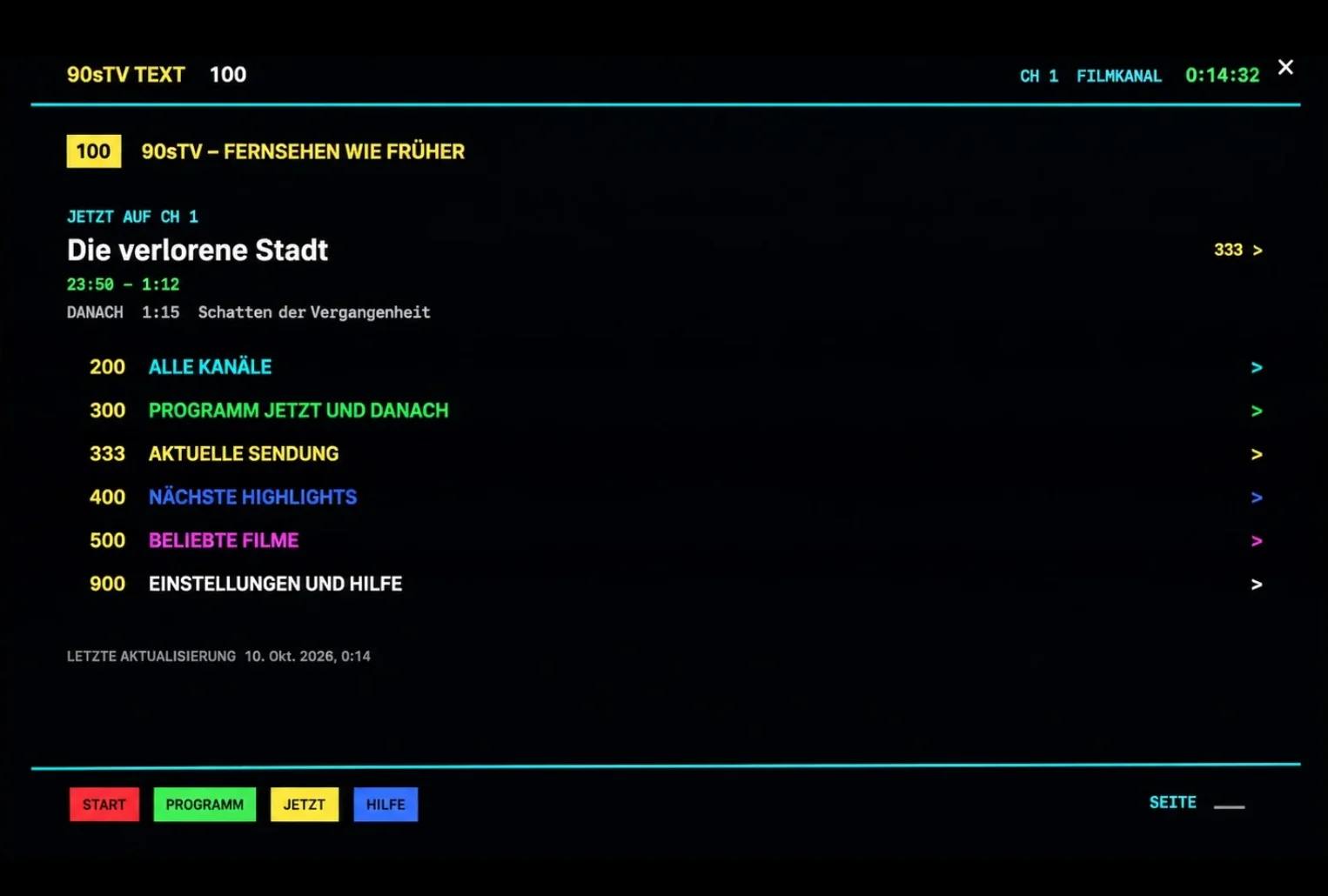
Broadcast
Even the commercials are back
Commercial breaks, from your own archives. Teletext on page 100, right
where you left it in 1994. Static when you change the channel and bad
reception when it storms.
Too real? Turn any of it off.

New on iPhone
Beam the TV guide right in your pocket
Two weeks of your TV program, right on your iPhone.
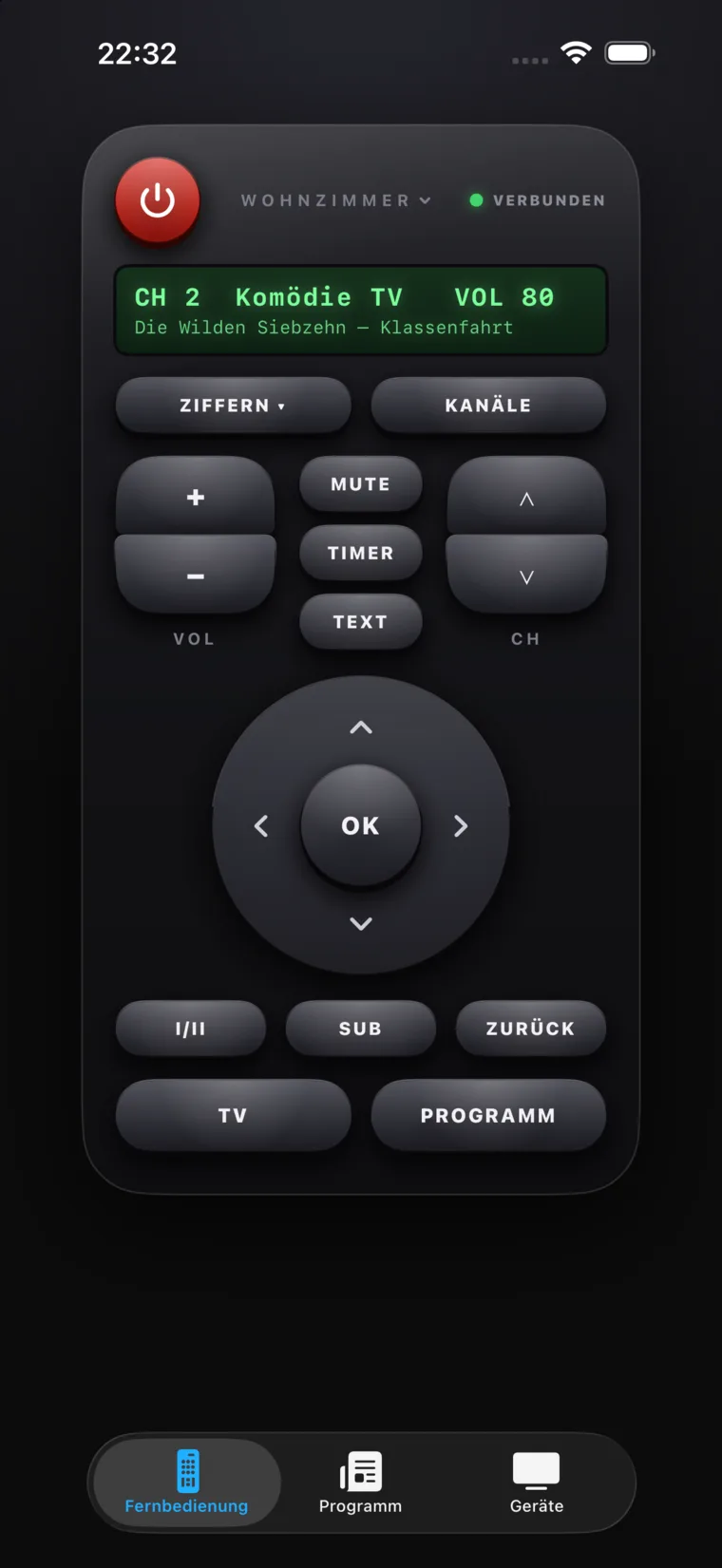
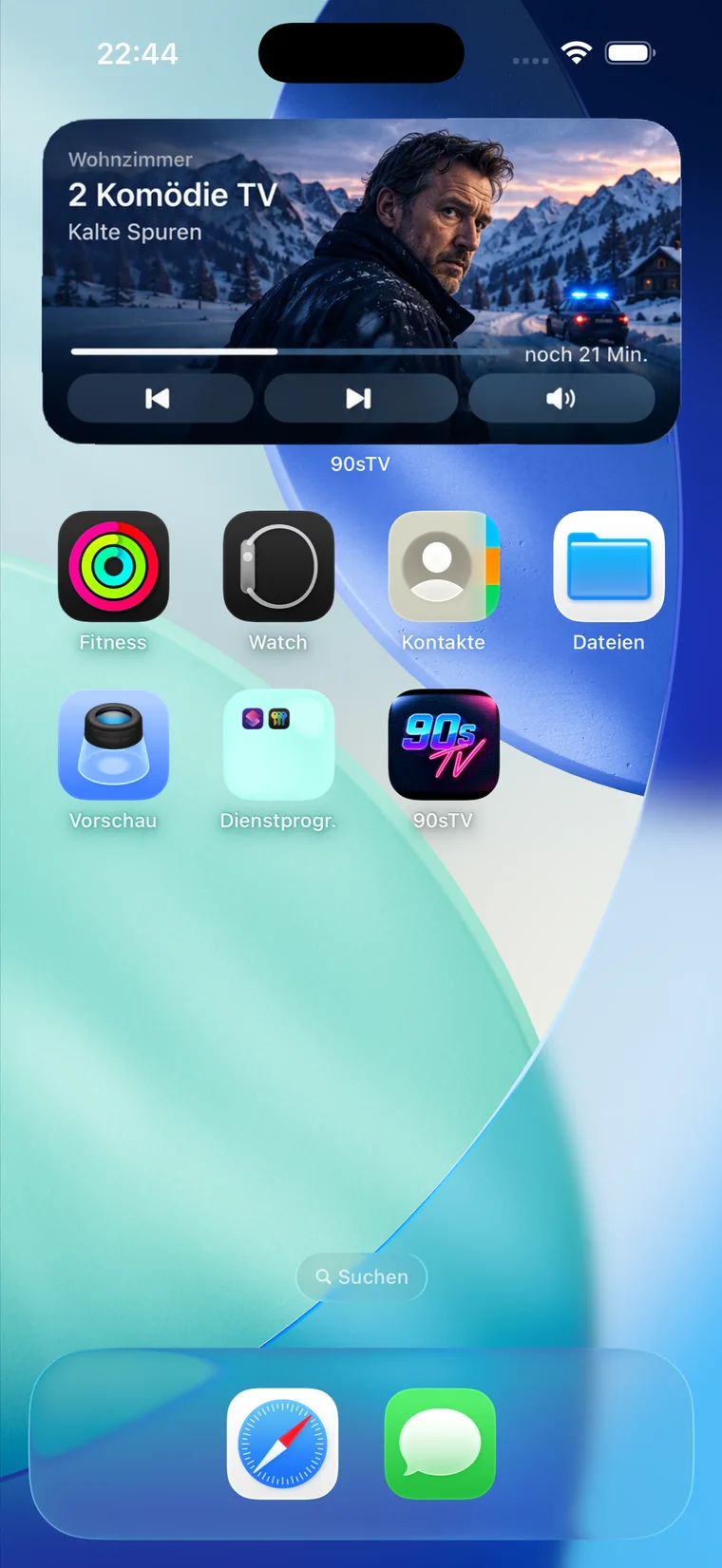
A remote with a big red power button, just like the one you remember. A
widget on your Home Screen that changes the channel with a single
tap.
One purchase for all your devices.
Short answers for quick questions
What to know before you turn 90sTV on
All you need to know about servers, devices, privacy and purchase.
What is 90sTV?
90sTV creates always-on television channels from your Jellyfin library with a fixed schedule. The schedule keeps running while the app is closed and shows the same programme at the same time on every device.
Do I need a Jellyfin server?
Yes. 90sTV plays media from your own Jellyfin server and does not include a streaming catalogue of its own.
Which devices does 90sTV run on?
The television channels run on Apple TV, Mac and iPad. On iPhone, you get the TV guide, reminders, remote control and widget.
Do I need a 90sTV account?
No. There is no separate 90sTV account. Your Jellyfin credentials are not sent to 90sTV.
What is synced through iCloud?
Channels, programming preferences and reminders sync through your private iCloud. Your Jellyfin credentials stay on the device.
Is 90sTV a subscription?
Yes and no. 90sTV is offered as a lifetime purchase or yearly subscription for the supported Apple devices.
Your server, your library
90sTV does not fetch or send your media anywhere
It connects only to your own Jellyfin server. There are no 90sTV accounts, no outside catalogues and no adverts unless they come from your own folder. Your channels and reminders stay in your private iCloud and travel from one device to another.
For Apple TV, Mac, iPad and iPhone · one purchase for all devices.